
Your cameras all look online. Some have been offline for days.
A device can go offline for days and no one knows until someone asks for the recording.
CheckCam listens to all of them.
CheckCam monitors every camera, NVR and device across your CCTV network using IP technology. The moment a device goes offline, the platform logs it, raises a ticket and alerts your team.
Online and offline status for every camera, NVR and device across all your sites, on a single live dashboard.
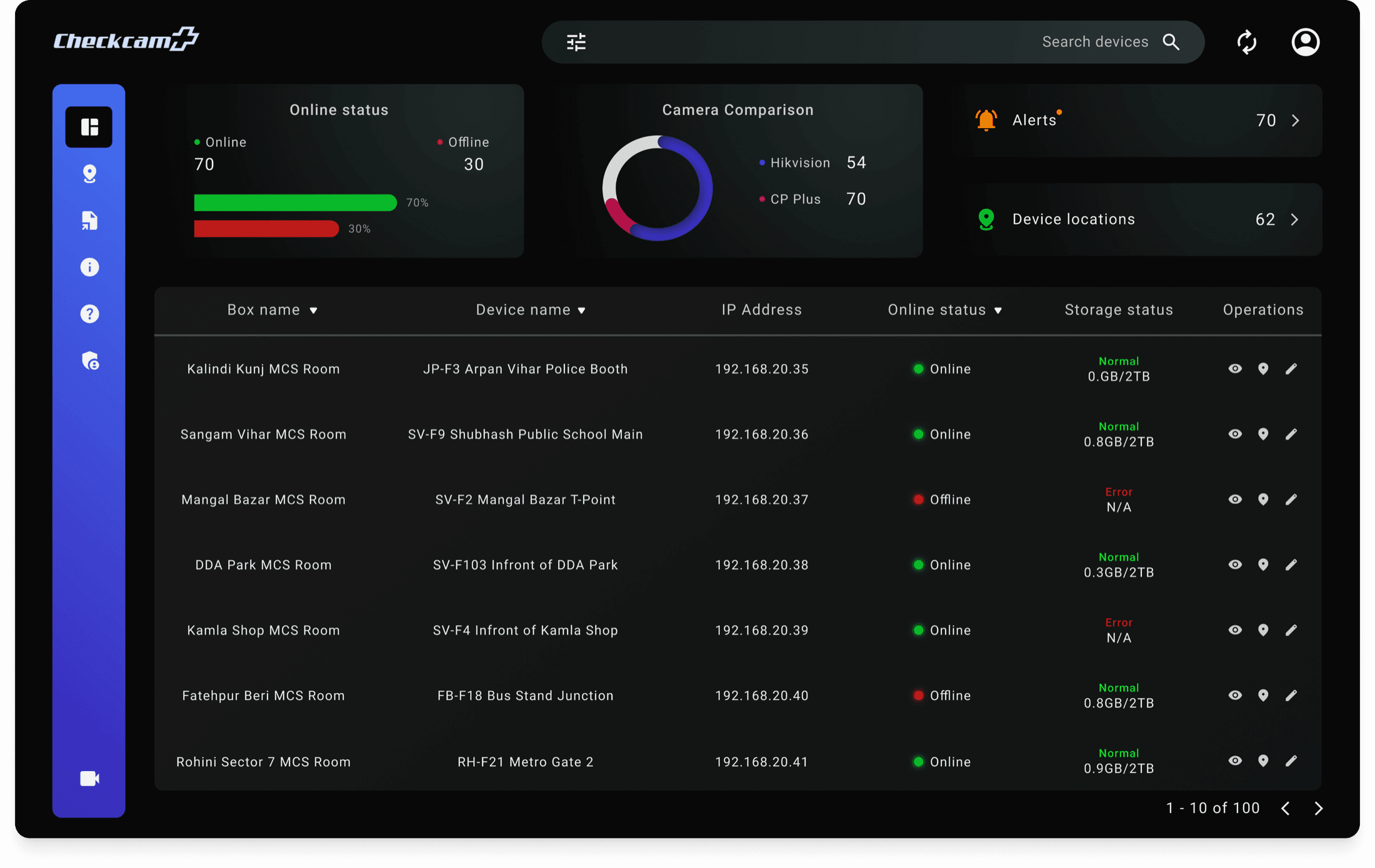 Online / offline, liveThe headline number for the whole estate, recalculated on every polling cycle rather than at the end of a shift.Mixed-vendor fleetsHikvision, CP Plus and everything installed alongside them, counted and monitored under one health model.Alerts that reach a personFailures, storage faults, serial mismatches and time changes raised as work someone owns, not entries in a log.Storage & recording healthEvery recorder reports what it is actually writing. An error here means footage is not being retained, whatever the camera shows.Tied to a real placeDevices are grouped by box, room and site, so an alert points at a junction, a school gate or a metro entrance — not an IP address.
A device can go offline for days and no one knows until someone asks for the recording.
Nothing announces a fault. The gap only surfaces when footage is needed and the recording is not there.
A ticket gets closed. No document uploaded, no proof of work done. Nobody can verify what actually happened on site.
Every camera, NVR and device is checked on a continuous cycle. What comes back stops being a guess and becomes one live view the estate team can act on.
Get a live view of every camera and device on your network, whatever the brand, wherever it is installed, updated continuously.
The moment a device goes offline, a ticket is raised and your team is alerted automatically. You act on it, before anyone calls to complain.
Engineers upload a signed document at the point of closure through the app. Every ticket has a record from the moment it was raised to the moment it was resolved.
Every feature works together, from detecting a fault to raising a ticket, dispatching an engineer and getting a signed confirmation that it is fixed.
Default health-check interval. Nothing waits for a patrol, a shift change or somebody remembering to look.
Devices a single CheckCam deployment is designed to track across one distributed network.
Health signals watched on every unit — online state, storage, recording, serial number, date & time, location, network path and power.
Target time from a device failing to the alert landing with the team that can fix it.
CheckCam is built for the places where a camera going offline is not an inconvenience, it is a missed alert, an audit gap or unanswered footage.

Camera networks spanning hundreds of public locations are impossible to patrol manually. CheckCam flags a device the moment it stops responding.

Mission-critical surveillance networks require complete audit trails. CheckCam logs every fault, dispatch and signed closure event automatically.
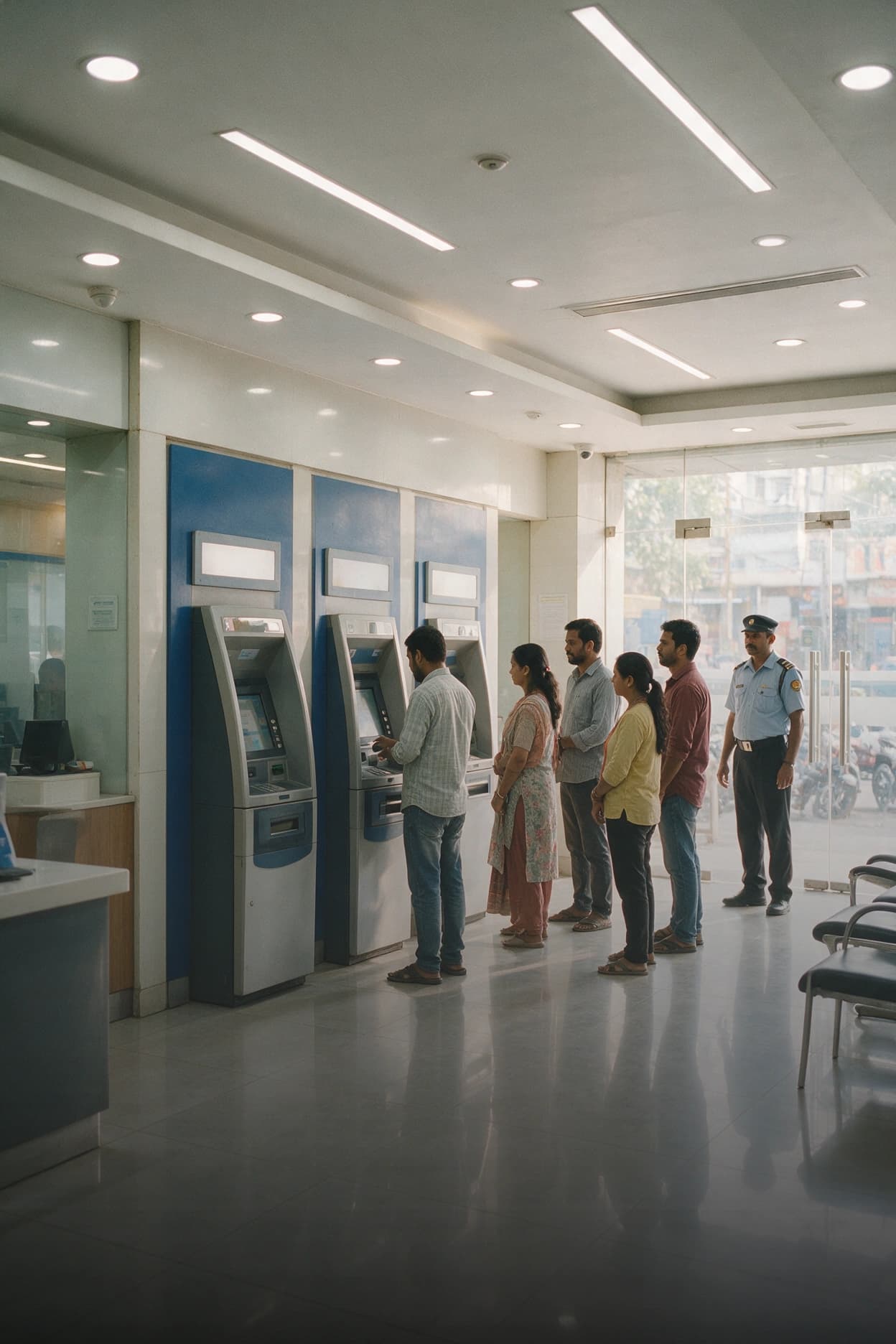
Branch and ATM cameras must stay online at all hours. CheckCam alerts the right team the moment a device goes offline or stops recording.
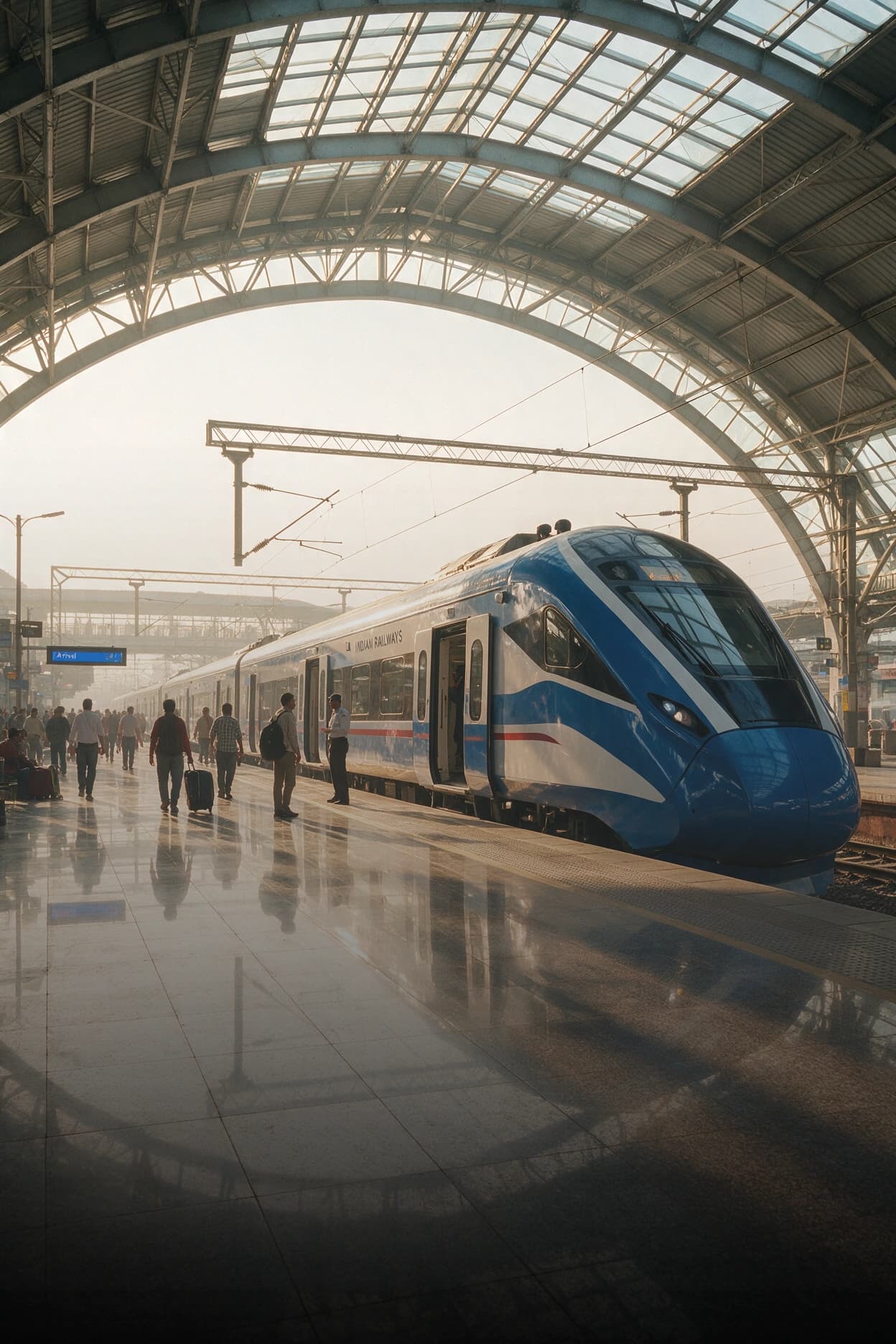
Roadside and corridor cameras across large transit networks go offline without warning. CheckCam detects the fault and routes the alert immediately.

Multi-outlet camera estates accumulate faults quietly. CheckCam shows which sites have the highest fault rates so maintenance is planned, not reactive.

Factory floor cameras operate in demanding environments. CheckCam tracks fault history per device so recurring issues are visible before they become permanent failures.

Campus camera networks carry a compliance obligation for continuous coverage. CheckCam logs every fault and closure event against the asset record.
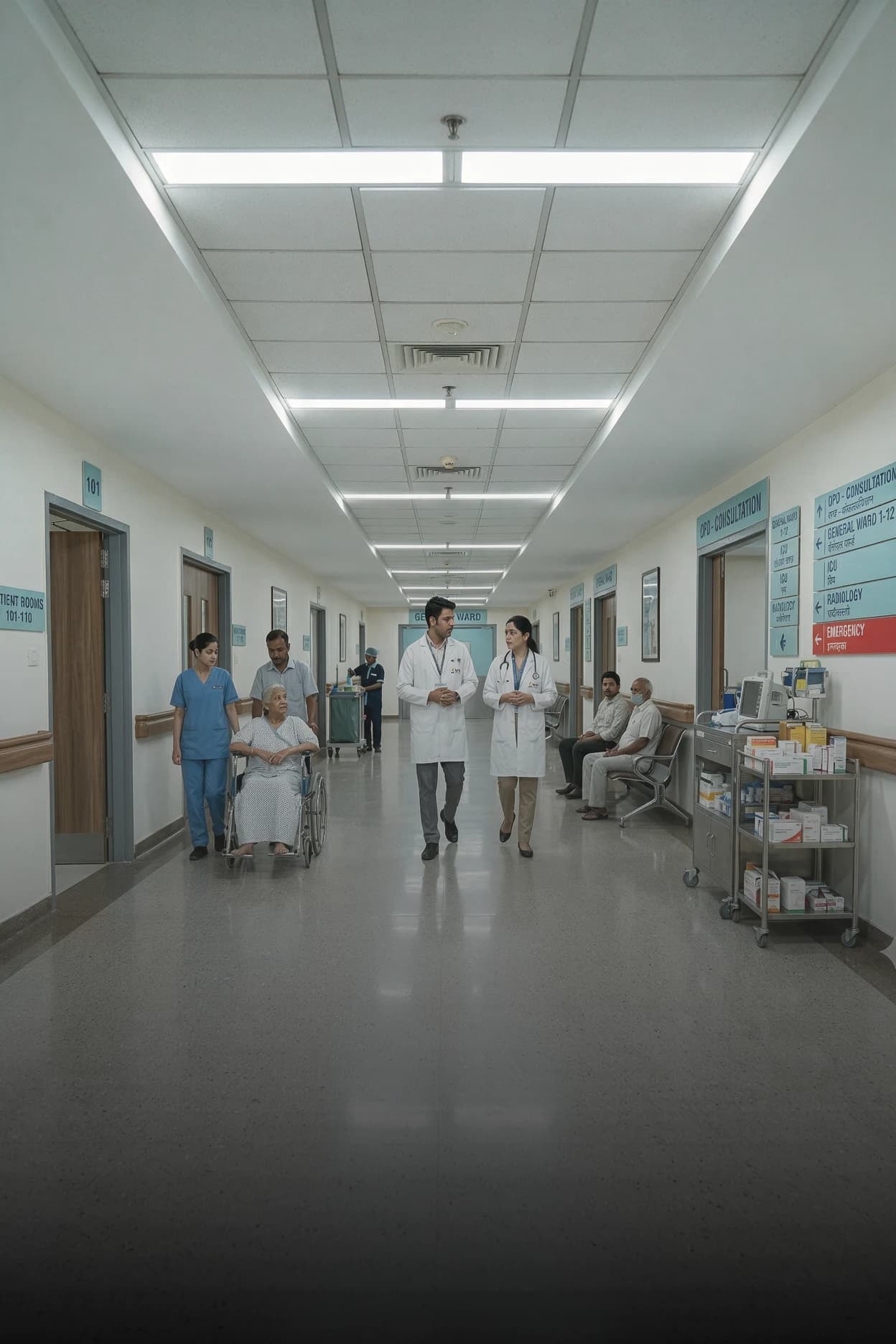
Hospital camera networks cover sensitive areas where uptime is non-negotiable. CheckCam provides a live health view across every floor and site.
The health of every connected device on your CCTV network cameras, NVRs and DVRs. CheckCam checks whether each device is online or offline, and raises an alert the moment a device stops responding.
CheckCam monitors IP cameras, NVRs, DVRs and network devices across your estate. It is designed to work across mixed estates built up over multiple tenders, so an estate assembled from several vendors is still monitored under one health view.
Every device is checked on a continuous cycle. When a unit stops responding, CheckCam logs the exact time it changed, records the outage against that device and raises an alert tied to its location - site and zone - so an engineer can be dispatched.
CheckCam raises a ticket automatically the moment a device goes offline. Manual tickets can also be raised from the alert panel or the live viewing screen. Both types flow into the same queue and are dispatched to engineers through the engineer app.
The CheckCam engineer app is a separate mobile application for field engineers. It receives ticket assignments immediately, shows the device location and asset details, and allows the engineer to upload a signed closure document directly from the site.
Yes. CheckCam can open live camera feeds on demand directly from the dashboard or the alert panel, without switching to a separate system.
A QRT alert can be raised directly from the alert feed or the live viewing panel inside CheckCam. The alert is sent to the QRT mobile app immediately, with the device details and location attached.
Yes. Devices are grouped by site and zone, and health rolls up through that structure. A regional team sees its own estate; head office sees the national picture. Every alert names a physical place an engineer can be dispatched to.
Every device is mapped to its physical location - site and zone - in the asset register. Fault history and maintenance records are tied to each device. When a ticket is raised, it is linked to the specific asset so recurring issues are visible over time.
We will run CheckCam across a slice of your estate and show you, device by device, what is online, what has gone offline and where your next fault is likely to come from.